File Studio
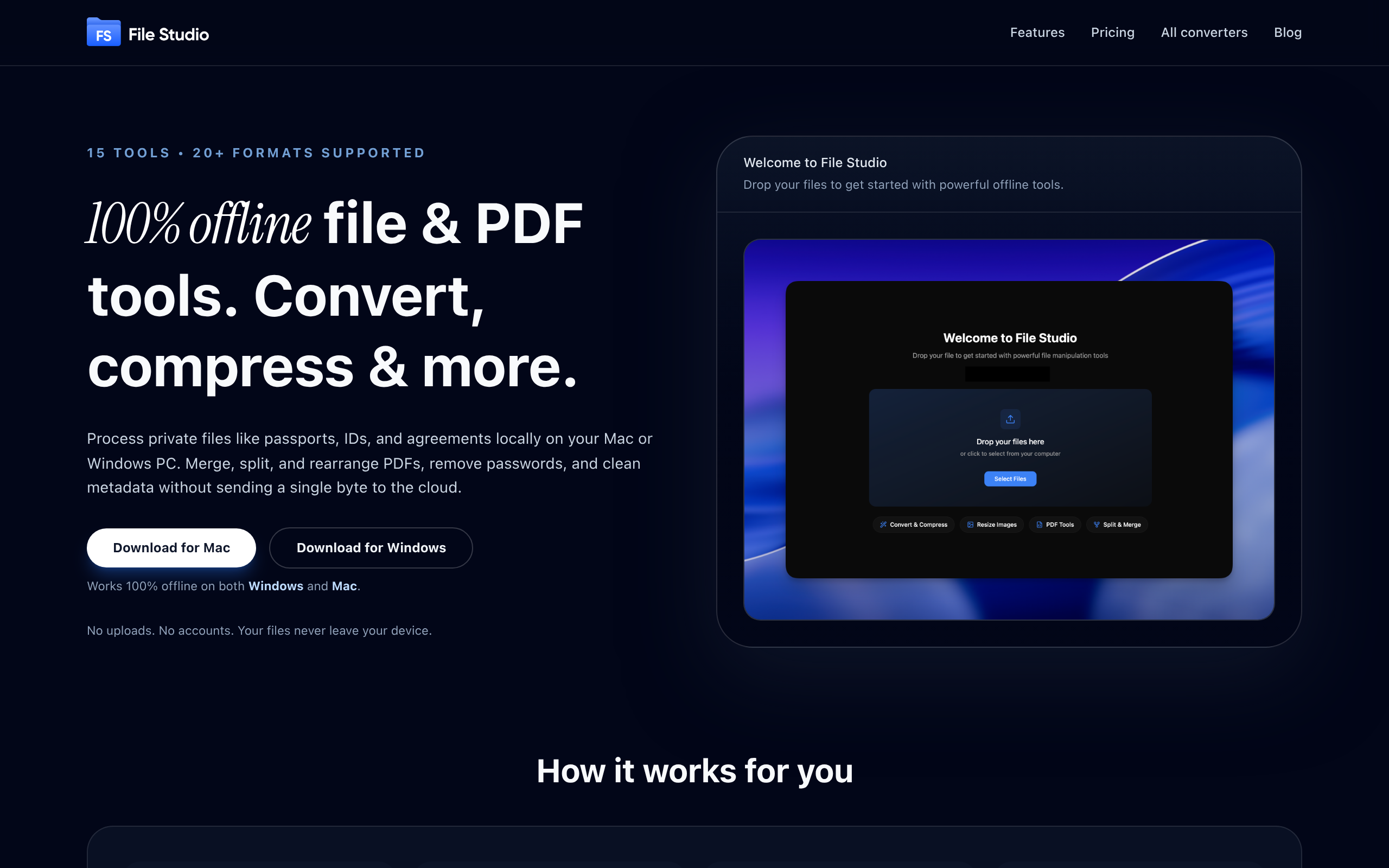
Visit Site100% offline file and PDF tools.Convert, compress, merge, and edit, all locally on your Mac or Windows.No uploads, no accounts, total privacy.
File Studio
Visit Site100% offline file and PDF tools.Convert, compress, merge, and edit, all locally on your Mac or Windows.No uploads, no accounts, total privacy.
What is File Studio?
File Studio is a powerful desktop app that processes PDFs and images entirely offline on your Mac or Windows PC. Handle sensitive documents like passports, IDs, and contracts without ever uploading them to the cloud. Merge multiple PDFs, split into pages, reorder and rotate, remove passwords, and convert to images. Convert between 20+ formats (including HEIC, WebP, AVIF, and 14 RAW types), resize, compress, crop, add watermarks, create collages, and batch process entire folders. Why File Studio? 100% offline - files never leave your device No accounts or subscriptions required Batch process hundreds of files at once One-time purchase, yours forever Works on both Mac and Windows Perfect for photographers, freelancers, remote workers, and anyone handling private documents who values speed and privacy over cloud-based alternatives.
File Studio's Core Features
100% Offline Processing
All conversions and edits happen locally on your Mac or Windows PC — no uploads, no cloud storage, and no accounts required, preserving privacy for sensitive documents.
Complete PDF Toolkit
Merge, split, reorder, rotate, remove passwords, convert PDFs to images, edit pages, and compress PDFs — all handled within one app.
Extensive Image Format Support
Convert and handle 20+ image formats including HEIC, WebP, AVIF and 14 RAW types (Canon, Nikon, Sony, etc.), plus crop, resize, add watermarks and create collages.
Batch & Folder Processing
Process hundreds of files or entire folders in a single run with presets and consistent naming to speed up repetitive workflows.
One-time Purchase & Local-first
Lifetime license with updates (one-time fee) — no subscription required, ideal for users who prefer a local, private tool without ongoing costs.